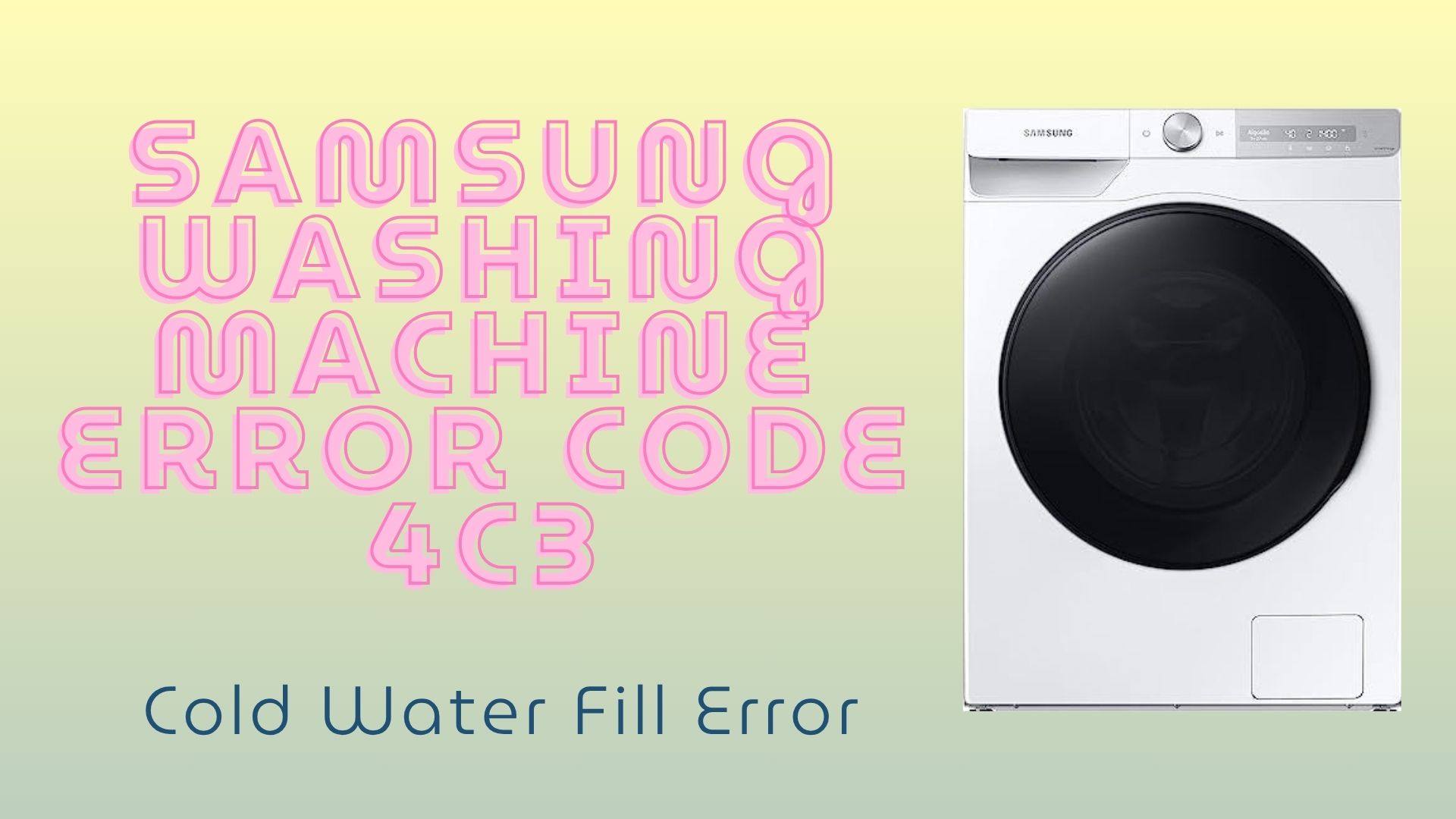
If your Samsung washing machine is displaying the 4C3 error code, it usually means the appliance is experiencing a cold water supply problem. This error often appears at the beginning of a wash cycle when the washer expects cold water to enter the drum but detects an issue with the water flow, temperature, or supply connection.
The good news is that the 4C3 error is often caused by a simple water supply issue rather than a major component failure. In many cases, homeowners can resolve the problem themselves without requiring emergency service.
In this guide, we’ll explain what Samsung error code 4C3 means, the most common causes behind it, practical DIY troubleshooting steps, and when it’s time to contact a professional repair technician.
The Samsung 4C3 error code indicates that the washing machine is not receiving cold water correctly. The washer’s control system monitors water temperature and flow during the fill cycle. When the incoming water doesn’t match the expected conditions, the machine stops operation and displays the 4C3 error.
This issue can occur because of restricted water flow, incorrect hose installation, faulty components, or water supply problems within the home.
Common causes include:
Before scheduling a repair appointment, try the following troubleshooting steps. Many 4C3 errors can be resolved in just a few minutes.
Verify that the cold water shut-off valve behind the washing machine is fully open. A partially closed valve can significantly reduce water flow and trigger the error.
If recent plumbing work was performed in your home, double-check that the valve wasn’t accidentally left closed.
Carefully examine the cold water hose for:
Straighten any bends and remove blockages if necessary.
Samsung washing machines contain small mesh filters where the inlet hoses connect to the appliance. Over time, mineral deposits, rust, and debris can clog these filters and reduce water flow.
Turn off the water supply, disconnect the hose, carefully remove the filter screen, and rinse it thoroughly under running water before reinstalling it.
One of the most overlooked causes of the 4C3 error is reversed water hose installation.
Make sure:
If the hoses are reversed, the washer may detect incorrect water temperatures and display the error code.
After completing the above checks, unplug the washer for approximately 5–10 minutes.
This simple reset allows the control board to clear temporary faults and restart the wash cycle with updated sensor readings.
If the error returns after you’ve verified the water supply and cleaned the filters, the problem may involve a faulty internal component.
Possible hardware-related causes include:
These repairs typically require diagnostic testing and replacement parts, making professional service the safest and most cost-effective solution.
If you’ve completed all troubleshooting steps and your washer still displays the 4C3 error code, it’s time to contact a professional technician.
Our experienced technicians can quickly diagnose the source of the problem and restore your washer to proper working condition. Whether the issue involves a faulty inlet valve, damaged sensor, or electronic control failure, we provide fast and reliable solutions.
We offer:
You can also book online and receive $25 off your repair.
A Samsung washer displaying error code 4C3 doesn’t always require a major repair, but it should never be ignored. Addressing water supply issues early can prevent longer wash times, incomplete cycles, and additional stress on internal components.
If you’re unable to resolve the problem yourself, our team is ready to help with fast, affordable, and professional service.
Don’t let laundry pile up. Contact us today and let our local experts get your washer back to peak performance.
 Request Service
 (647) 492-7773
