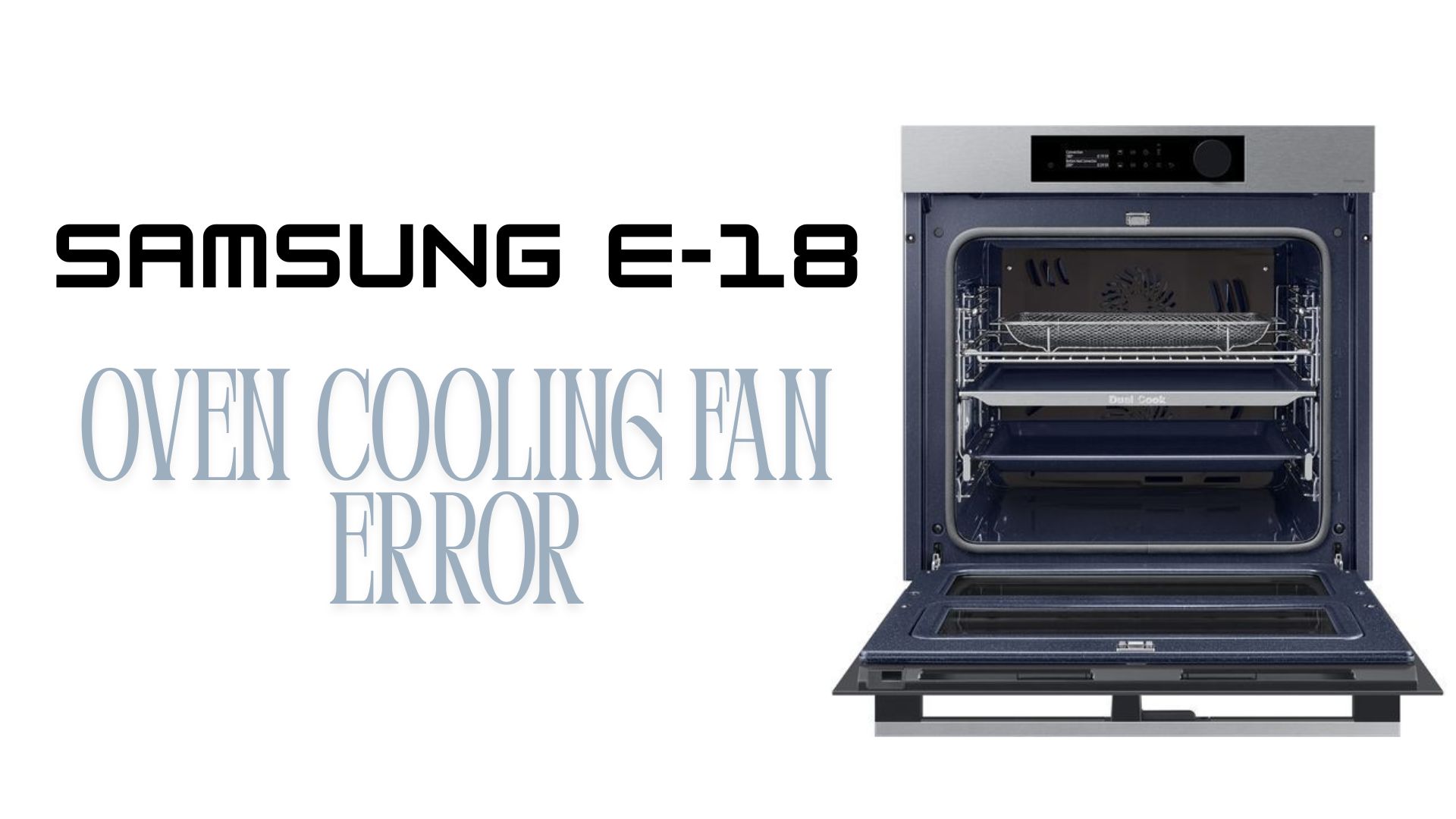
If your Samsung oven is displaying the E-18 error code, the appliance has detected a problem with its cooling fan system. While this error can be frustrating, it’s actually an important safety feature designed to prevent the oven from overheating and damaging internal components.
The cooling fan plays a critical role in regulating temperature around the control board, electronics, and oven housing. When the fan stops working properly, the oven may shut down, refuse to start, or display the E-18 error code to protect itself from excessive heat.
Fortunately, some causes of the E-18 error are relatively simple to resolve. In this guide, we’ll explain what Samsung oven error code E-18 means, the most common causes, troubleshooting steps you can try at home, and when it’s time to call a professional repair technician.
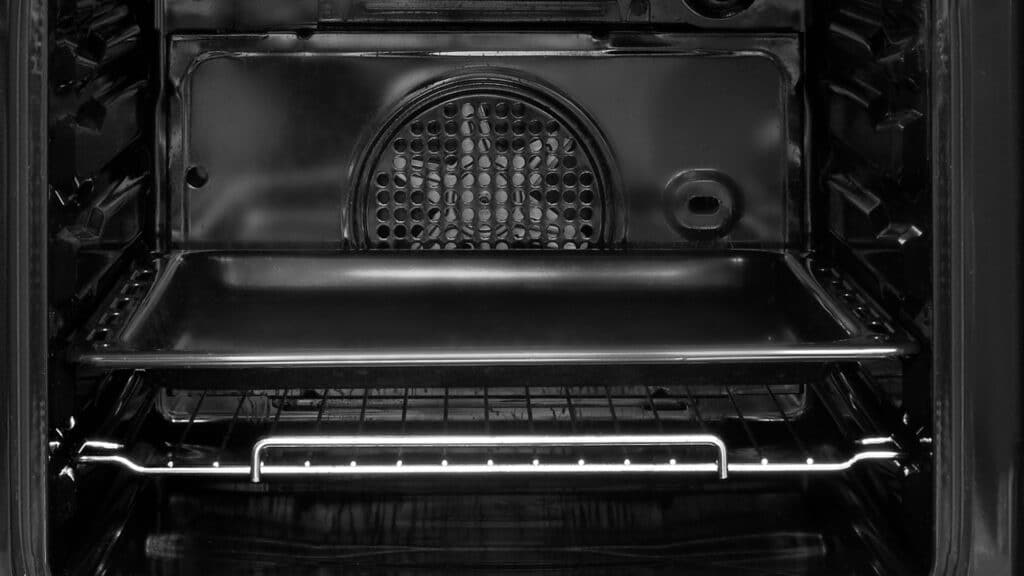
The Samsung E-18 error code indicates that the oven’s cooling fan is not operating correctly or that the control board is unable to detect proper fan performance.
Unlike the convection fan that circulates hot air inside the oven cavity, the cooling fan is responsible for protecting sensitive electronic components from excessive heat during operation.
If the cooling fan slows down, stops spinning, or fails to communicate with the control system, the oven may trigger the E-18 error and disable heating functions as a safety precaution.
Common symptoms associated with the E-18 error include:
Several issues can prevent the cooling fan from operating properly.
Over time, grease, dust, and food particles can accumulate around the cooling fan assembly.
This buildup can restrict airflow, slow fan operation, or physically prevent the fan blades from spinning freely.
The cooling fan motor experiences significant wear over years of operation.
If the motor begins to fail, it may run intermittently, make unusual noises, or stop working completely.
The wiring connecting the cooling fan to the control board can become loose, damaged, or heat-stressed over time.
Poor electrical connections may interrupt fan operation and trigger the E-18 error.
Some Samsung oven models monitor cooling fan speed electronically.
If the control board receives incorrect fan feedback signals, it may display the E-18 code even if the fan is physically spinning.
Although less common, a defective electronic control board can fail to power the cooling fan correctly or misinterpret fan performance data.
Before scheduling a repair appointment, there are several troubleshooting steps you can safely try.
Temporary software or communication glitches can occasionally trigger the E-18 error.
If the error was caused by a temporary electronic issue, it may disappear after the reset.
Inspect visible ventilation openings and cooling fan areas for signs of blockage.
Look for:
Carefully clean accessible areas without damaging internal components.
If you can safely access the fan area with the oven disconnected from power, check whether the blades rotate freely.
The fan should spin smoothly without resistance, grinding, or wobbling.
Difficulty turning the fan may indicate debris buildup or a failing motor bearing.
When the oven starts heating, the cooling fan should typically activate automatically.
Pay attention to:
These symptoms often point to a worn or failing fan motor.
Some Samsung oven models allow minor fault codes to be cleared by holding the Power or Start button for several seconds.
Consult your owner’s manual for model-specific reset instructions.
The E-18 error is directly related to the oven’s cooling and safety systems. Continuing to use the appliance without resolving the issue can result in overheating and damage to expensive electronic components.
Potential consequences include:
Addressing the problem early can help avoid more extensive repairs later.
If the E-18 error returns after basic troubleshooting, the problem likely involves the cooling fan motor, wiring system, sensor circuit, or control board.
You should contact a technician if:
Our experienced technicians can quickly diagnose the root cause and restore safe operation of your Samsung oven.
When your oven isn’t working properly, fast service matters.
At Express Repair, we provide:
We also offer a special online booking discount — book online and receive $25 off your repair.
The Samsung E-18 error code is often a warning that your cooling fan system needs attention. While some issues can be resolved through basic cleaning or resetting, persistent errors usually require professional diagnosis.
Don’t risk overheating damage or unexpected oven failure. Our team is ready to provide fast, reliable, and affordable repair solutions.
If you’re searching for trusted local service, contact Express Repair today to schedule your appointment.
Book online now and save $25 on all repairs.
 Request Service
 (647) 492-7773
