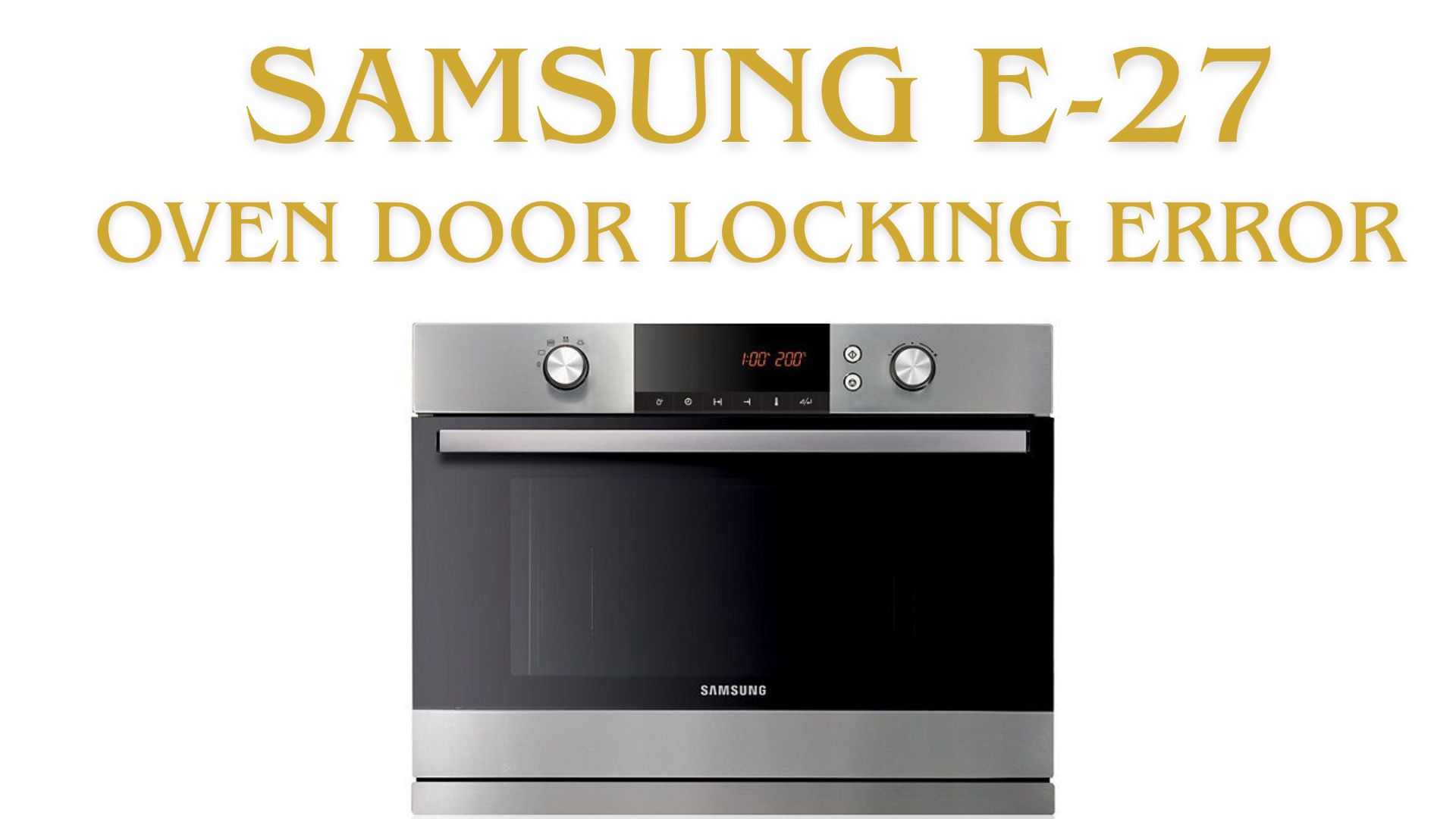
Is your Samsung oven flashing the dreaded E-27 code? If you’ve suddenly found your oven door stuck, refusing to open or close, and that cryptic “E-27” error keeps blinking, you’re not alone.
This is a common issue for many Samsung electric ovens—and while it can be pretty frustrating, you might be able to fix it yourself with a bit of guidance. Here’s what you need to know, including quick troubleshooting steps and advice on when to call in a local oven repair team for emergency help.
Samsung oven error code E-27 indicates a door lock mechanism failure. The issue is usually caused by a faulty door lock motor, wiring problem, control board error, or a self-clean cycle malfunction. In many cases, resetting the oven or inspecting the lock assembly can resolve the problem.
What Does the Samsung E-27 Error Code Mean?
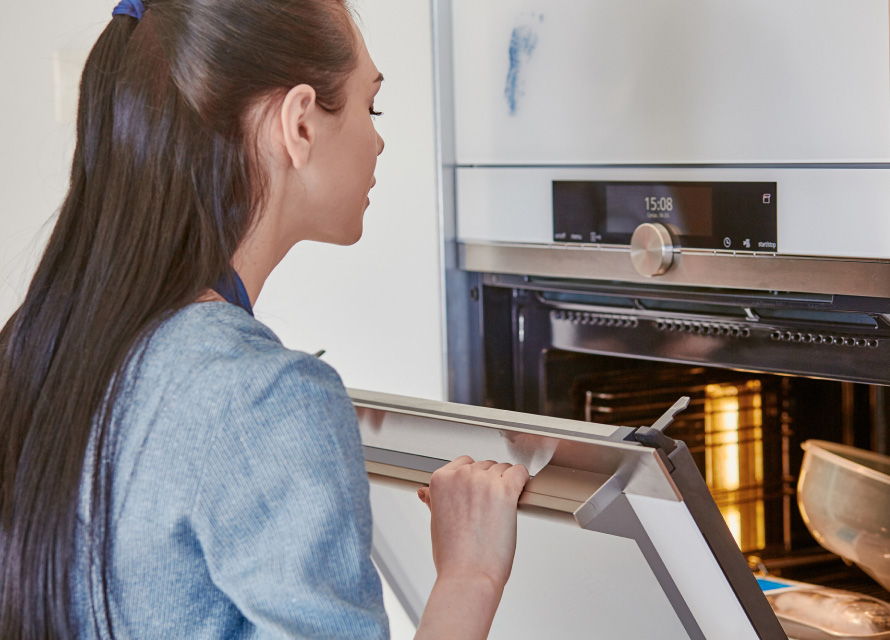
The E-27 error on your Samsung oven is all about the door lock mechanism. Specifically, this code pops up when your oven detects a fault with the door’s locking system—often during or after a self-clean cycle.
For safety reasons, the oven tries to keep the door locked, but sometimes a mechanical or electronic hiccup throws things out of sync. That’s when the E-27 code appears, leaving you staring at a locked door and a non-working oven. Not ideal when dinner is waiting!
Why Does the E-27 Door Locking Error Happen?
While the error sounds intimidating, the causes are fairly straightforward. Some of the most common reasons include:
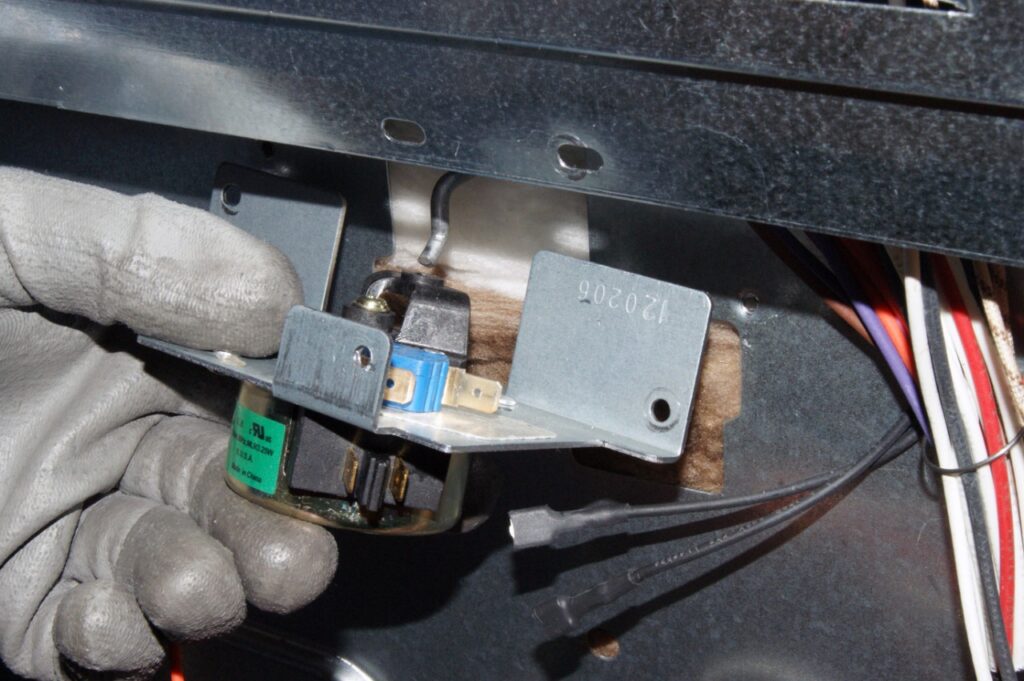
Faulty Door Lock Motor or Switch: Over time, the motor that moves the door lock can wear out or get jammed.
Loose or Damaged Wiring: The wires connecting the locking mechanism can loosen due to vibration or heat.
Electronic Control Board Glitch: Sometimes, the oven’s “brain” simply misreads a signal.
After Self-Cleaning Cycle: High heat can affect components, leading to errors.
Knowing these basics can help you decide if this is something you want to tackle yourself or if it’s better to call a same-day, local appliance repair professional.
Step-by-Step: How to Fix the E-27 Door Locking Error Yourself
Before you grab the phone, you might want to try a few simple troubleshooting steps. Many oven owners manage to resolve the issue without professional help—sometimes all it takes is a bit of patience and the right approach.
1. Reset the Oven
This sounds almost too easy, but it often works. Try this first:
Turn off your oven at the circuit breaker.
Wait at least 60 seconds. This allows the control board to fully reset.
Turn the power back on and see if the error has cleared.
2. Check for Obstructions
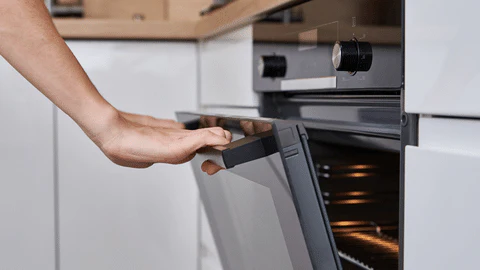
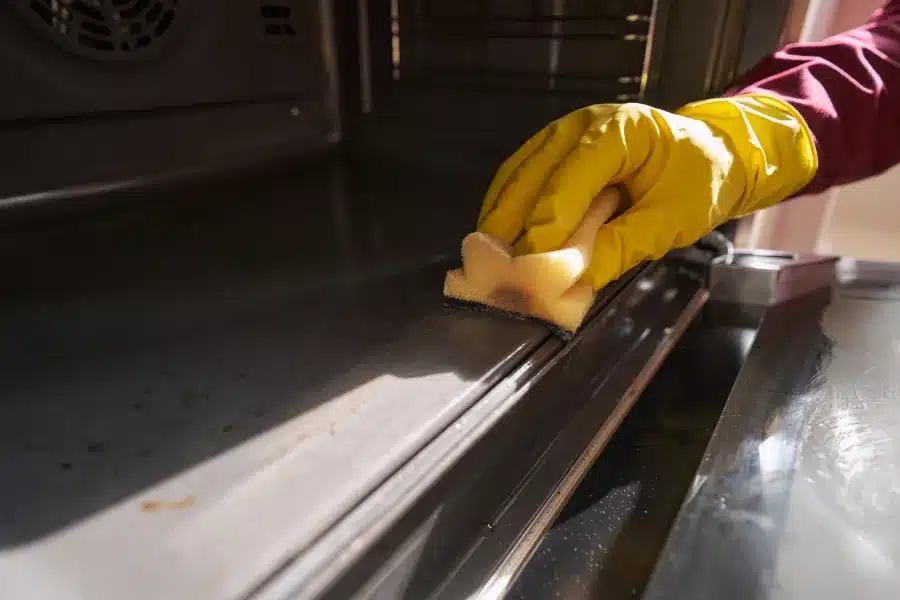
Sometimes crumbs, debris, or even a stray piece of foil can block the locking mechanism. Open the door gently (if it’s unlocked) and inspect the lock area. Clear away any obvious blockages.
3. Test the Door Lock Motor
If you’re handy and comfortable with minor DIY appliance repairs:
Unplug the oven or turn off the breaker.
Access the rear panel to locate the lock motor.
Check for loose connections or visible damage.
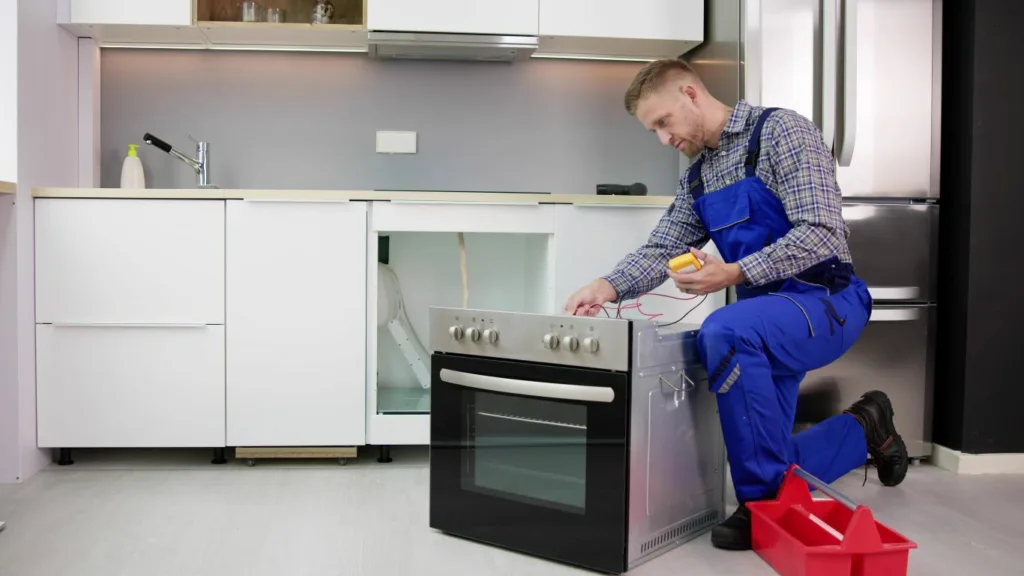
If you have a multimeter, test the motor for continuity.
4. Cancel the Self-Cleaning Cycle
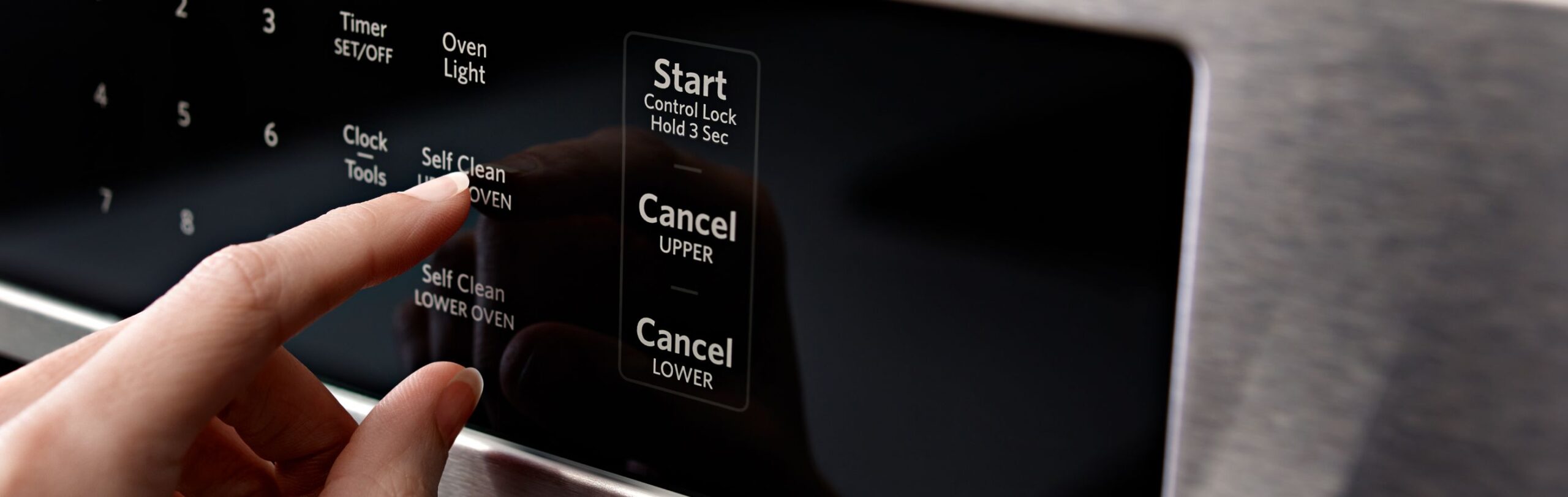
If the oven got stuck during a cleaning cycle, try to cancel it:
Hold down the “Cancel” or “Clear” button for 3-5 seconds.
Wait for the door to unlock. This can sometimes take a minute or two.
5. Power Cycle with the Door Open
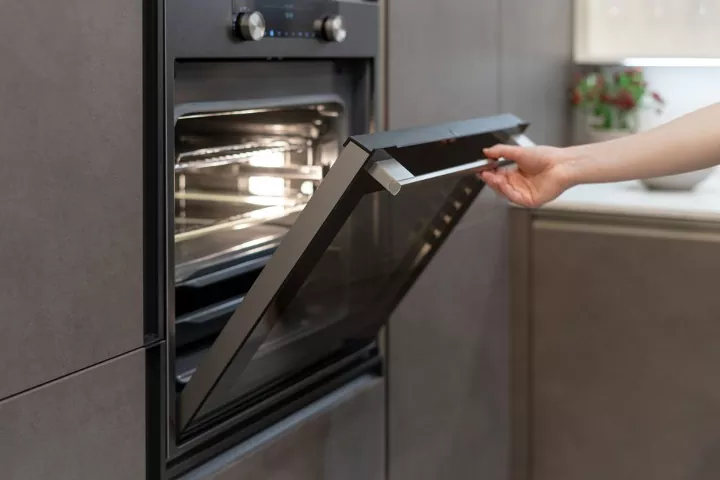
If you managed to get the door open, leave it ajar and cut the power again for several minutes. This can reset the position sensors.
Samsung Models Commonly Affected by the E-27 Error
While the E-27 door lock error can occur on a variety of Samsung ovens and ranges, it is most commonly reported on electric range models equipped with a self-cleaning function. Some of the Samsung series where homeowners have experienced E-27 door lock issues include:
Samsung NE63A6511SS
Samsung NE63T8111SS
Samsung NE63A6311SS
Samsung NE63B8211SS
Samsung NE63R6511SS
Samsung NE58F9500SS
Samsung NX60 Series Ranges
Samsung Flex Duo Oven Models
Keep in mind that the exact model number may vary, and the E-27 error can appear on other Samsung electric ranges and wall ovens as well. Regardless of the model, the error typically indicates a problem with the door lock assembly, lock motor, wiring, or the electronic control board.
When to Call for Fast, Local, Express Oven Repair
If you’ve tried the above and that E-27 code just won’t go away, don’t stress. Oven door locking errors are one of those “it happens to everyone eventually” problems, and sometimes the fix requires a new part or a professional touch. If you notice burnt wiring, hear unusual noises, or the error keeps coming back, it’s time to reach out for a same-day repair near you.
We know how frustrating it is to be stuck without your oven, especially when you’re counting on it for a meal or family gathering. That’s why we offer emergency service and fast response in your area. Our team is local, experienced, and fully equipped to fix Samsung E-27 errors.
Why Choose Us for Your Samsung Oven Repair?
Local & Express Service: We’re your neighbors—serving the community with a fast turnaround, every time.
Same Day Repairs: Book online and get $25 off on repair. We know you don’t want to wait.
Emergency Appointments: Got a big event or urgent need? We’ll prioritize your call.
Free Service Call With Repair: No surprises—if we fix it, the diagnosis call is on us.
Experienced Techs: Our team works on Samsung appliances daily. We’ll get your oven back up and running quickly.
Don’t risk making the problem worse or spending hours searching for “oven repair near me” and reading conflicting advice. If you’re ready to get your oven fixed fast, contact us here—or book online for your $25 discount!
Final Thoughts
A Samsung E-27 oven door locking error can be a nuisance, but it doesn’t have to ruin your day. Try the steps above for a quick DIY fix, but if you need a local, same-day, express repair, we’re here to help. With a free service call with repair, emergency support, and experienced pros on call, there’s no reason to wait. Your oven could be back in action today.
 Request Service
 (647) 492-7773
