LG Dryer Flow Sense Warning? Fix It in 5 Minutes (Quick Guide)
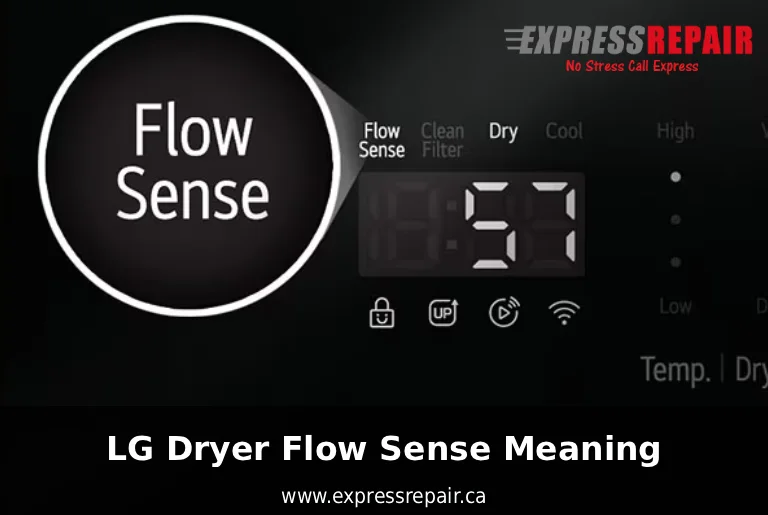
If your LG dryer shows a Flow Sense warning (d80, d90 or d95), it usually means the airflow is restricted.
Contact Express Repair today for professional LG repair services. Let us handle the problem so you can get back to stress-free laundry days!
✅ Quick Fix Steps You Can Do Yourself
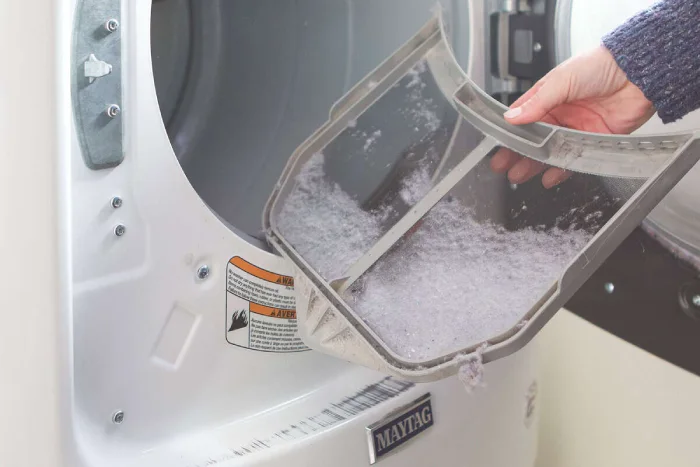
Clean the lint filter completely
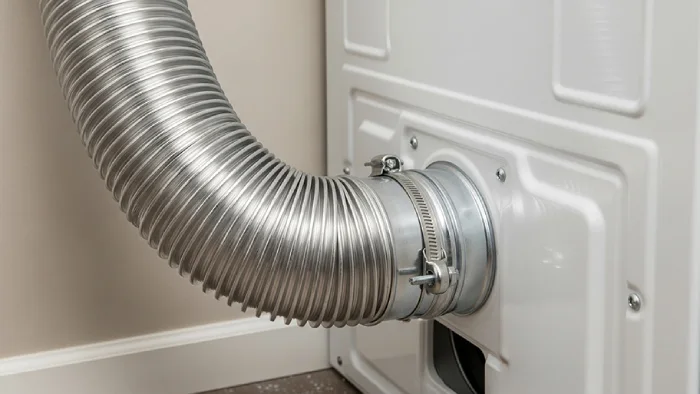
Pull the dryer away from the wall and check the vent hose for kinks
Disconnect the vent hose and remove visible lint buildup
Go outside and make sure the exhaust vent flap opens freely
Run the dryer again to see if the warning disappears
In most cases, this solves the problem immediately without needing a technician.
What Is LG Dryer Flow Sense?
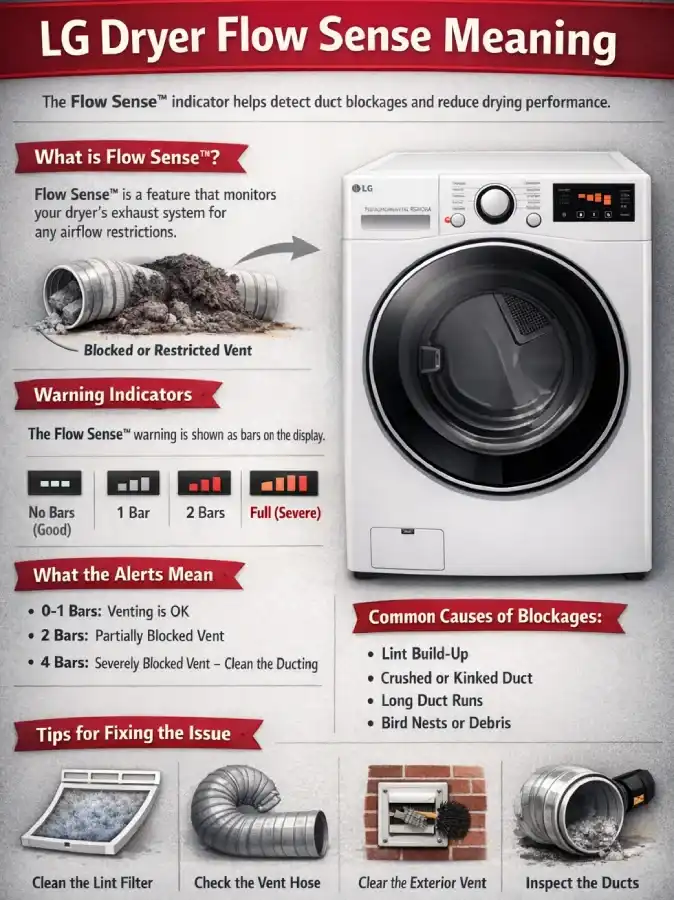
Flow Sense is an airflow monitoring system built into LG dryers that detects ventilation blockages. When the dryer cannot push hot air out efficiently, it shows warning codes to protect performance and safety.
This feature helps:
prevent overheating
reduce fire risk
improve drying efficiency
lower energy consumption
Ignoring the warning can lead to longer drying cycles and excessive wear on the appliance.
LG Dryer Flow Sense Error Codes Explained
LG dryers use different codes to show blockage severity:
d80 — about 80% airflow restriction
d90 — about 90% restriction
d95 — severe blockage requiring immediate cleaning
Higher numbers mean airflow is dangerously limited.
Why Flow Sense Warning Appears
The most common causes include:
Dirty lint screen
Clogged dryer vent duct
Crushed or bent vent hose
Long vent installation with too many turns
Outdoor vent blocked by debris, snow, or nests
Even partial blockage can trigger the sensor.
How to Fix LG Dryer Flow Sense Issues
Follow these steps to resolve the warning:
1. Clean the Lint Filter
Remove and clean the lint screen before every load. Even a thin layer of lint can reduce airflow.
2. Inspect the Vent Hose
Pull the dryer away from the wall and check for:
Kinks
Crushing
Disconnections
Replace plastic or foil ducts with rigid or semi-rigid metal ducts if possible.
3. Check the External Vent
Go outside and ensure the vent flap opens freely during operation. Remove lint, leaves, or debris.
4. Deep Clean the Vent System
Use a dryer vent cleaning brush or vacuum to remove lint buildup inside the duct.
5. Reduce Vent Length
If your dryer installation includes many bends or long duct runs, consider shortening or redesigning the vent path.
How to Prevent Flow Sense Warnings
To keep your LG dryer running efficiently:
Clean lint filter after every cycle
Perform vent cleaning every 6–12 months
Avoid overloading the dryer
Ensure proper installation according to LG guidelines
Regular maintenance improves drying performance and extends appliance lifespan.
When to Call a Technician
If Flow Sense warnings continue after cleaning and inspection, the issue may involve:
 Request Service
 (647) 492-7773

